The Git-backed API client
API Circle is a Git-backed API client: your collections, environments, and mocks are plain JSON in your own Git repository. Branch, diff, review in pull requests, and merge them like code — and keep as many workspaces as you like, switching between them by name.
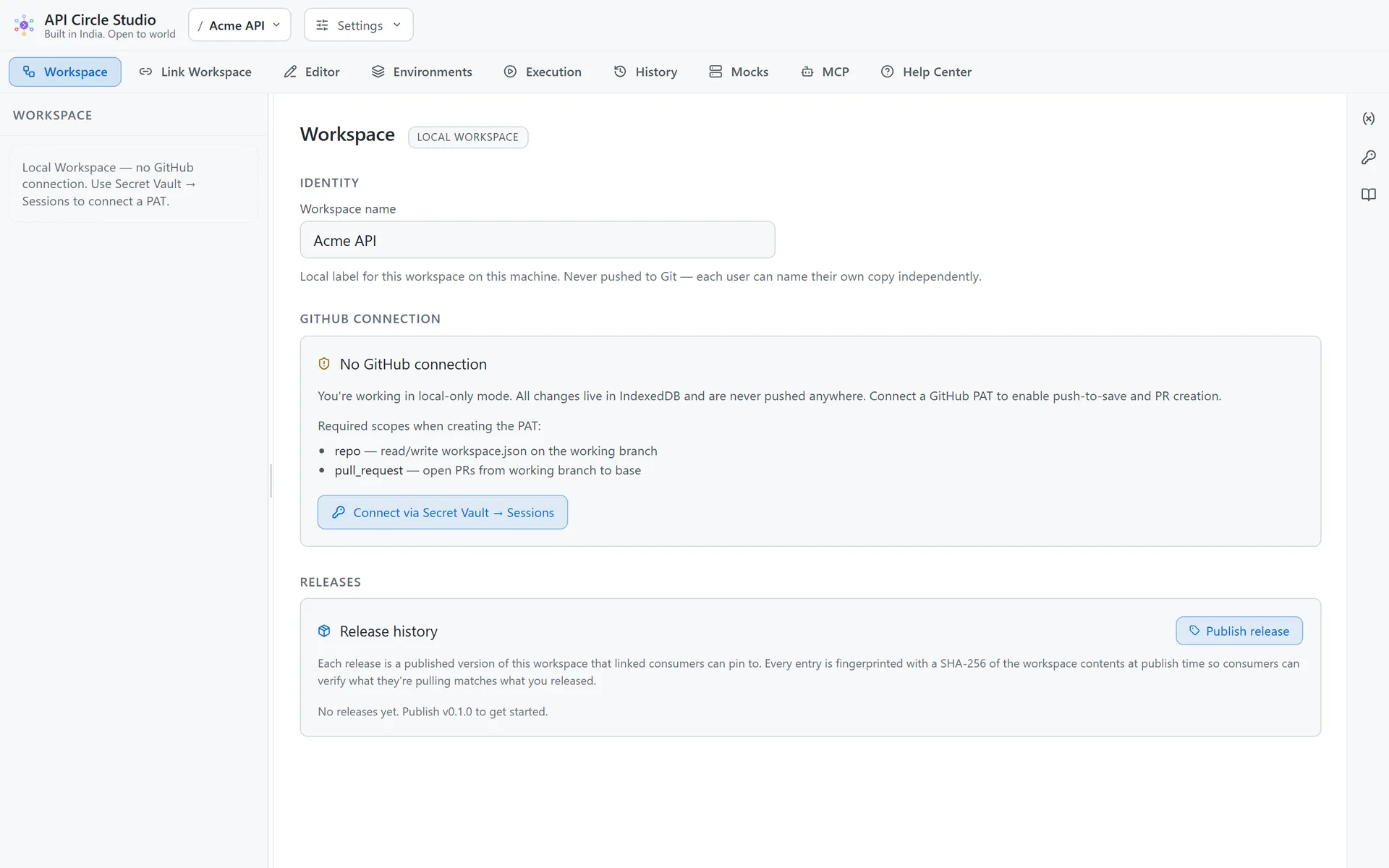
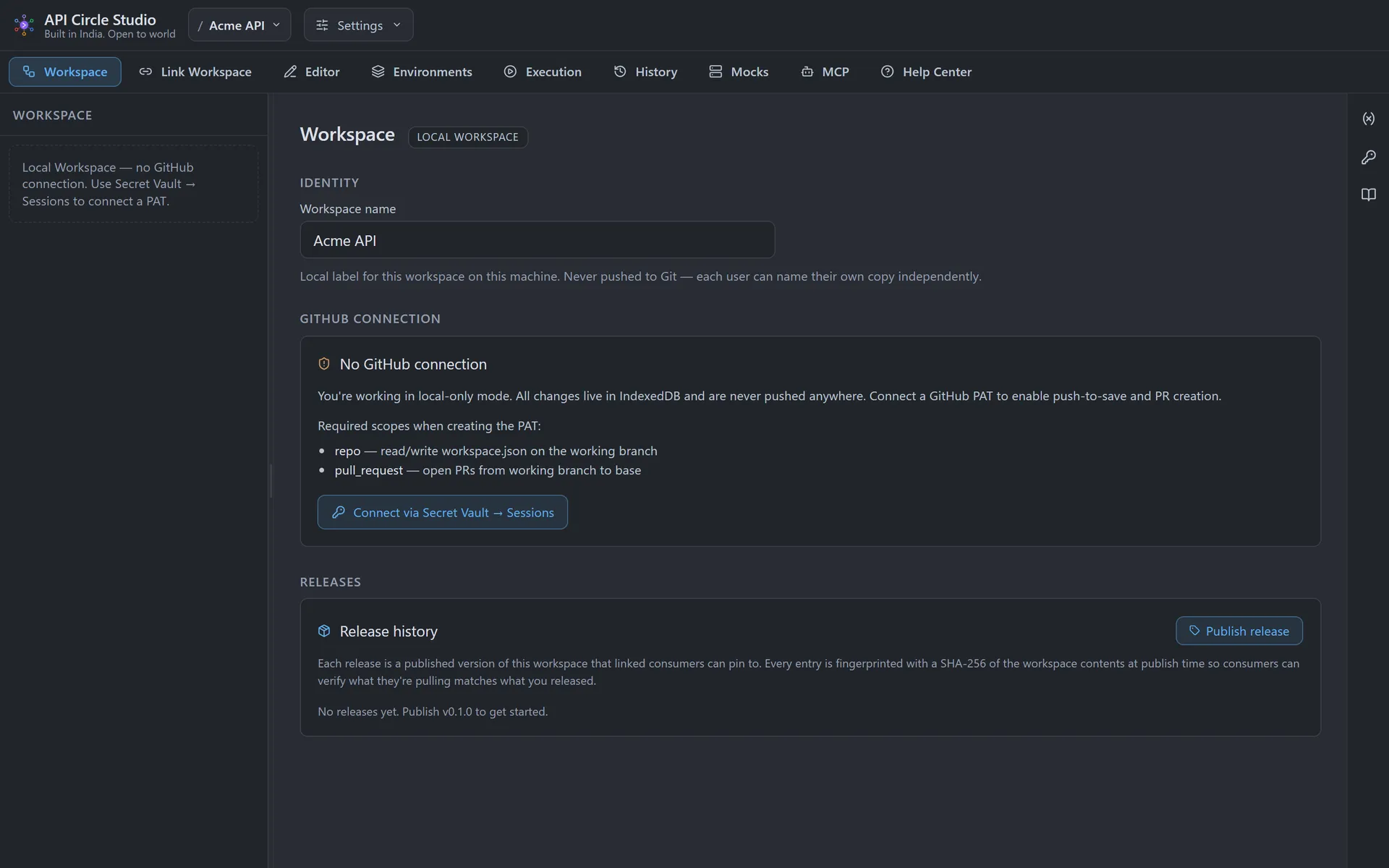
API collections you can git diff
Everything that defines an API workspace lives as plain JSON in a repository you control — so version control is not an export step, it is where your collections live.
Collections are plain JSON
A workspace is a readable JSON document — requests, folders, environments, and mock definitions. No proprietary binary, no vendor database. You can open it, diff it, and back it up.
Branch, diff, and open PRs
Push the synced document to your own GitHub repo on an auto-created working branch. Review API changes in a pull request — the same workflow as the code that calls the API.
Visual three-way merge
When remote and local diverge, a conflict resolver shows the folder tree, environment priority, and release ledger side by side, so you keep exactly what you intend.
You own your data
Your repo is the source of truth. Nothing is uploaded to a third-party server, there is no mandatory cloud account, and there is no lock-in — clone the repo and your workspace comes with it.
Multiple workspaces, switch in a click
Every project can have its own Git-backed workspace. Register them once, then move between them by name — no re-importing, no re-authenticating, no separate app windows.
A registry of workspaces
Register as many workspaces as you need — one per project, service, or client repo. Each is its own Git-backed folder, kept fully separate from the others.
Switch by name in a click
Pick the active workspace from the desktop and web apps, or switch from the terminal with a single command. Your requests, environments, and mocks swap over instantly.
The same workspace, every surface
Desktop, web, VS Code, the CLI, and the MCP server all address the same workspace format — by name against the local registry, or by a git-cloned directory path for CI.
Switch workspaces from anywhere
Pick the active workspace in the app, or address one by name or path from the CLI and CI. The same workspace format backs every surface.
$ # Register / clone a workspace repo, then switch to it by name$ npx @apicircle/cli workspaces use Payments$ $ # Run a collection against whichever workspace is active$ npx @apicircle/cli run "Smoke Tests" --reporter junit$ $ # Or target one explicitly — by name, or by a cloned path in CI$ npx @apicircle/cli run "Smoke Tests" --workspace-name Billing$ npx @apicircle/cli run "Smoke Tests" --workspace-path ./checkout-workspaceGit-backed API client — FAQ
What a Git-backed API client is, how API Circle stores collections in Git, and how to manage and switch multiple workspaces.
What is a Git-backed API client?
A Git-backed API client stores your API collections as plain, human-readable files in a Git repository instead of a proprietary cloud database. That means you can branch, diff, review in pull requests, and merge your API requests, environments, and mocks exactly the way you version application code — with full history and no vendor lock-in.
How does API Circle store my API collections in Git?
In API Circle a workspace is plain JSON — the collection tree, environments, and mock definitions — that pushes to your own GitHub repository on an auto-created working branch. Per-device history and sessions stay local and never leave your machine. You push to save, open a pull request from inside the app, and resolve conflicts with a visual three-way merge.
Can I manage multiple API workspaces and switch between them?
Yes. API Circle keeps a registry of workspaces, so you can register one per project or repository and switch the active workspace with a click in the desktop and web apps, or with "apicircle workspaces use <name>" from the CLI. Every surface — desktop, web, VS Code, CLI, and the MCP server — can also address a workspace directly by name or by a git-cloned directory path.
Do I need a cloud account to use a Git-backed workspace?
No. API Circle needs no account and no cloud connection. Workspaces are stored locally and optionally sync to your own Git repository, so your repo is the source of truth. Request execution and mock servers run entirely on your machine.
Can my whole team share a Git-backed API workspace?
Yes. Because the workspace is a Git repo, teammates clone it, create branches, and merge changes like any other code. API collections get the same pull-request review workflow as the services they test, and you can publish fingerprinted releases that linked consumers pin to.
Put your API collections under version control
Open the web app and your first Git-backed workspace is created automatically — no account, no setup. Add more workspaces and switch between them any time.