A CLI for pipelines and agents
The apicircle binary runs mocks, the MCP server, imports, exports, and full collection runs against the same workspace format as every other surface. Point it at a registered workspace by name, or at a git-cloned repo directory for CI.
Mode B, headless
Clone a workspace repo and the directory is the workspace. Pass it with --workspace-path for CI, or --workspace-name to resolve against the desktop registry.
Run suites in CI
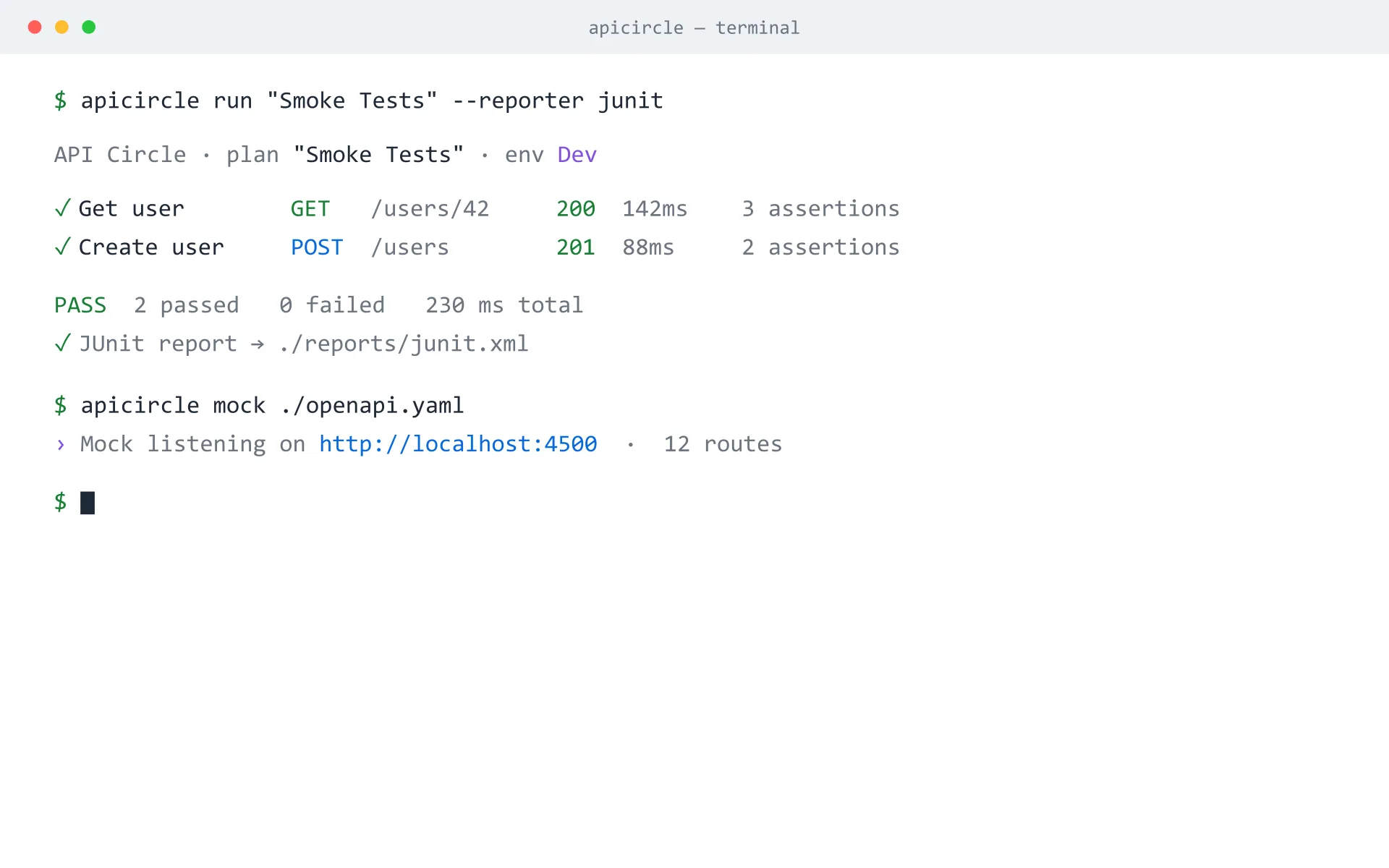
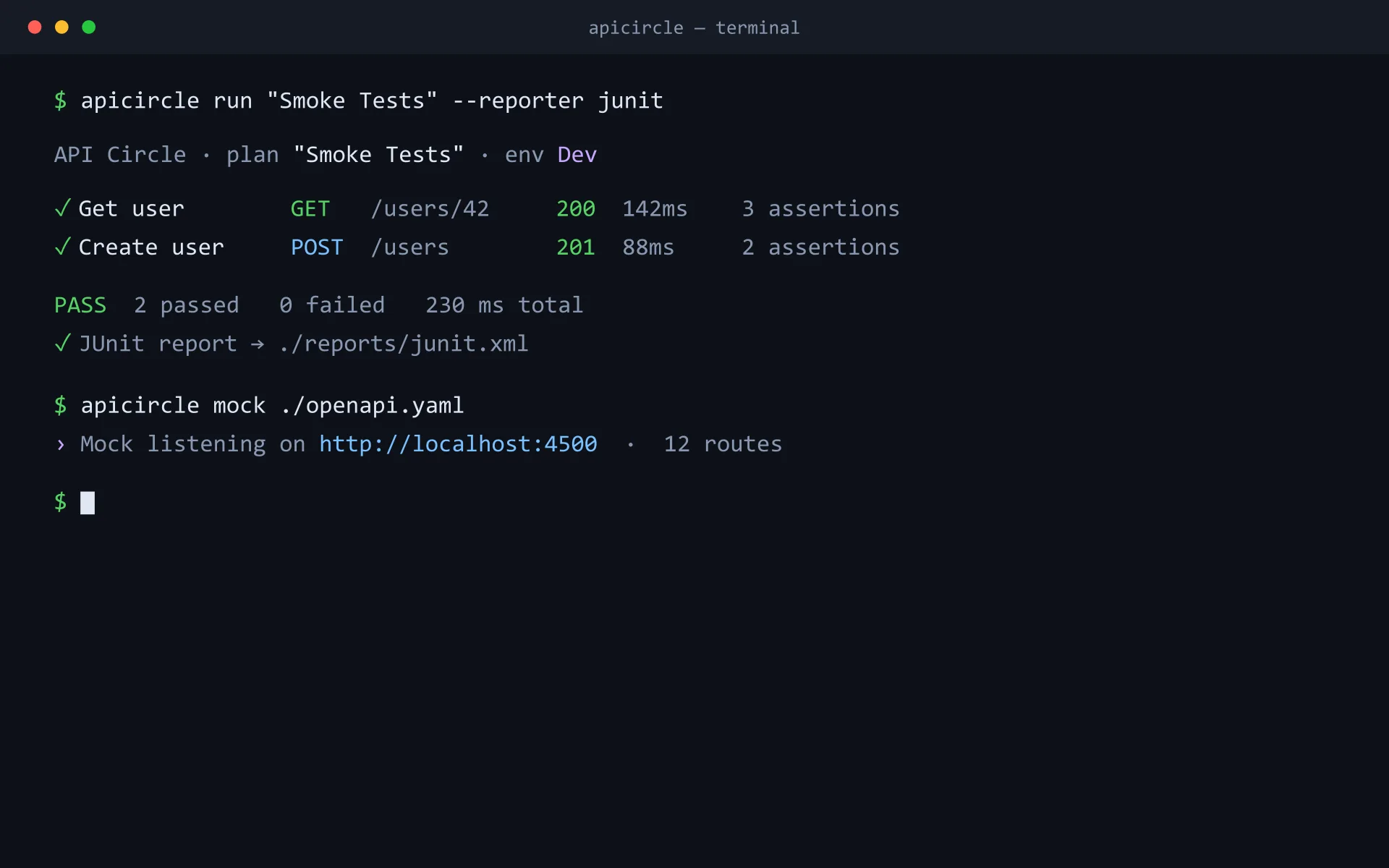
apicircle run "Smoke Tests" --reporter junit executes a collection and emits JUnit XML your pipeline can ingest — the same execution engine the app uses.
Spin up a mock with no workspace
npx @apicircle/cli mock ./openapi.yaml starts a mock server straight from a spec file — handy for local development and contract testing.
Get going in one command
Address a registered workspace by name, or point at a git-cloned directory for CI.
$ npx @apicircle/cli workspaces use Petstore$ npx @apicircle/cli import openapi ./openapi.yaml --workspace-name Petstore$ npx @apicircle/cli run "Smoke Tests" --reporter junitBring your APIs under version control
Open the web app in your browser, or grab the desktop build. No account, no setup — your first workspace is created the moment you arrive.