Drive your workspace with AI
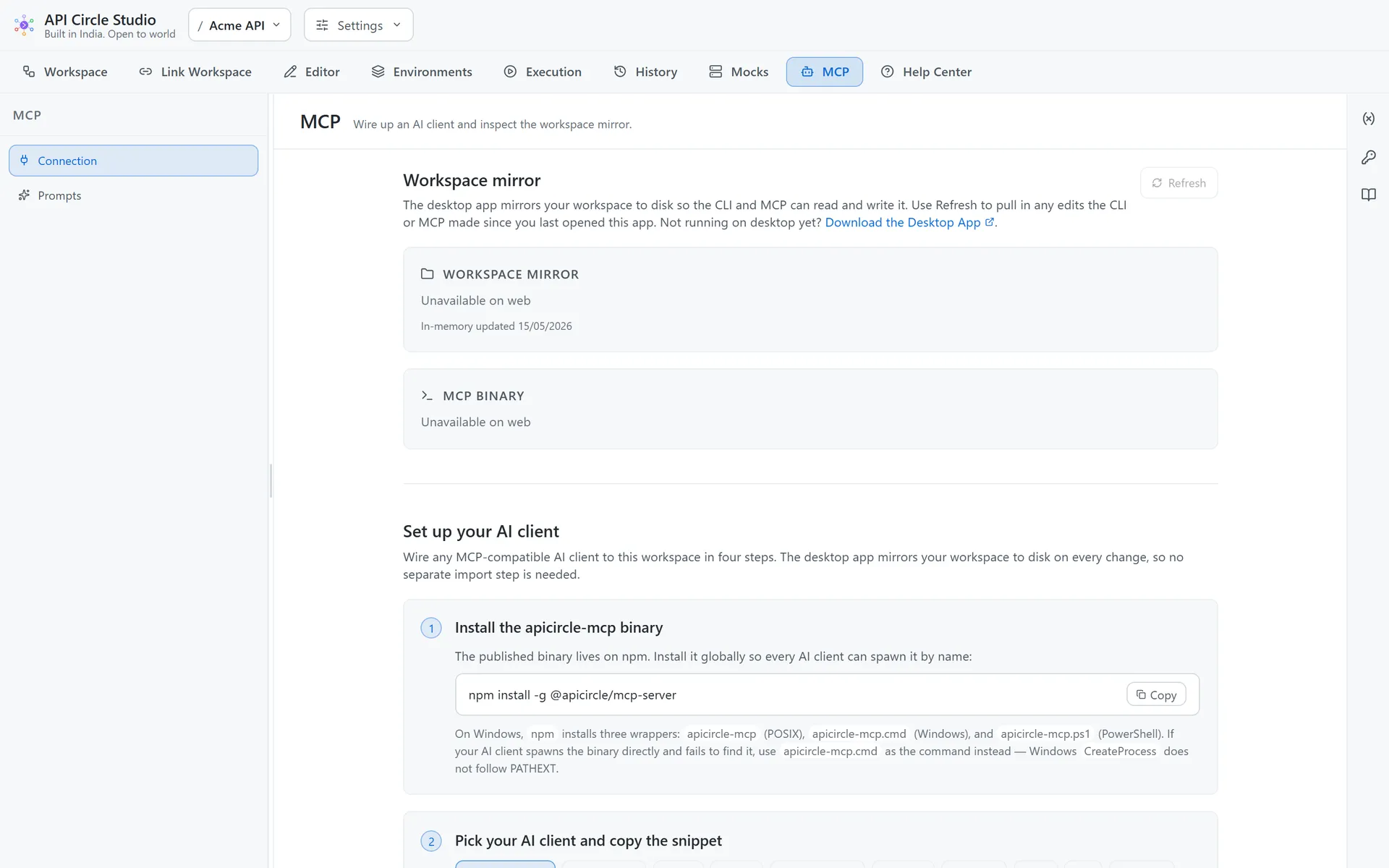
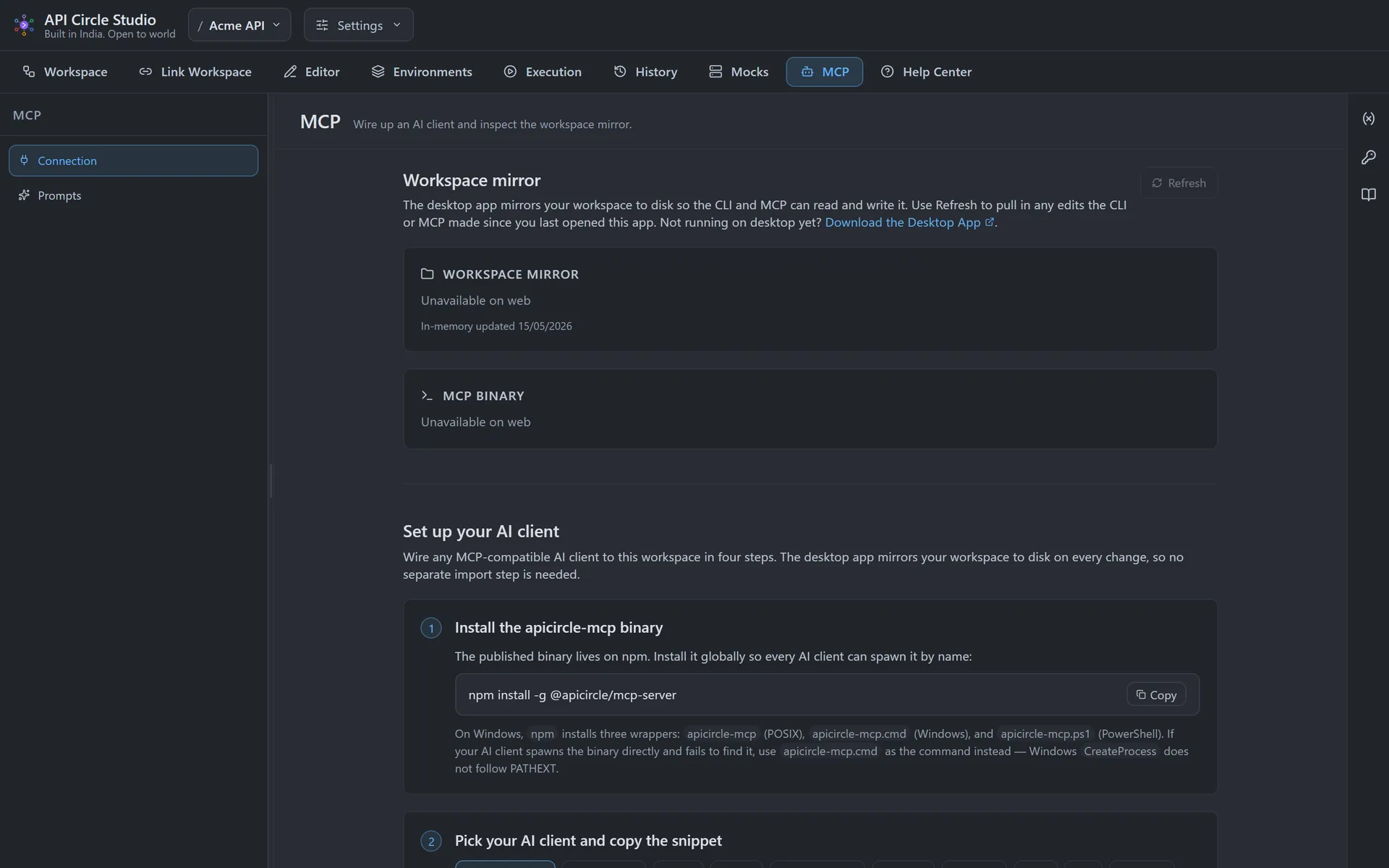
The bundled MCP server speaks the open Model Context Protocol over stdio, so Claude, ChatGPT, Cursor, Copilot, and any other MCP client can scan a codebase, propose a collection, generate runnable client code, or spin up a mock — all from the chat. Every AI write funnels through the same mutation API the UI uses.
A first-class surface
MCP is not a plugin. The server is one of five ways to drive a workspace, sharing the same engine, parsers, and mutation chokepoint as the desktop, web, CLI, and VS Code surfaces.
One snippet, any client
The MCP panel generates a ready-to-paste config for Claude Desktop, Claude Code, Cursor, Copilot, ChatGPT, Continue, Cline, Zed, and Windsurf. Copy, drop it in, restart.
Reads external writes instantly
The desktop app watches the workspace file, so anything the MCP server or CLI writes shows up in the editor automatically — no manual refresh.
Safe by construction
An AI agent can never produce workspace state the UI could not have produced, because both go through the same applyMutation API in the core engine.
Get going in one command
Drop this into your AI client config, restart, and it can drive your workspace. Omit --workspace to boot in multi-workspace mode against the desktop registry.
{ "mcpServers": { "apicircle": { "command": "apicircle-mcp", "args": [] } }}Bring your APIs under version control
Open the web app in your browser, or grab the desktop build. No account, no setup — your first workspace is created the moment you arrive.