Edit the same workspace from VS Code
The VS Code extension drives the very same workspace document as the desktop and web apps, byte-for-byte. Requests, environments, and plans are editable YAML under an apicircle: virtual file system, with Send CodeLenses, schema validation, mock servers, a secret vault, and one-click MCP install for Copilot Chat.
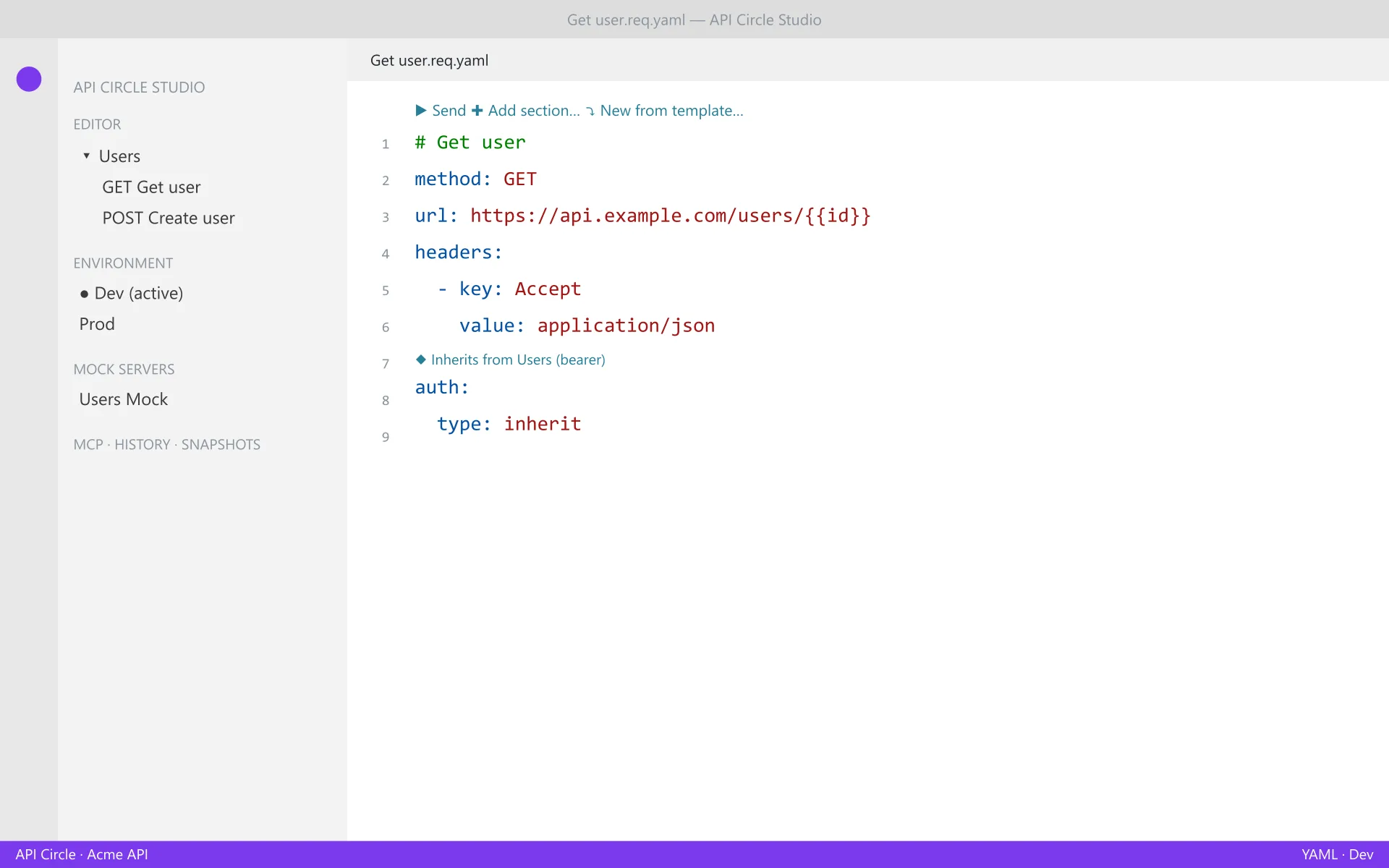
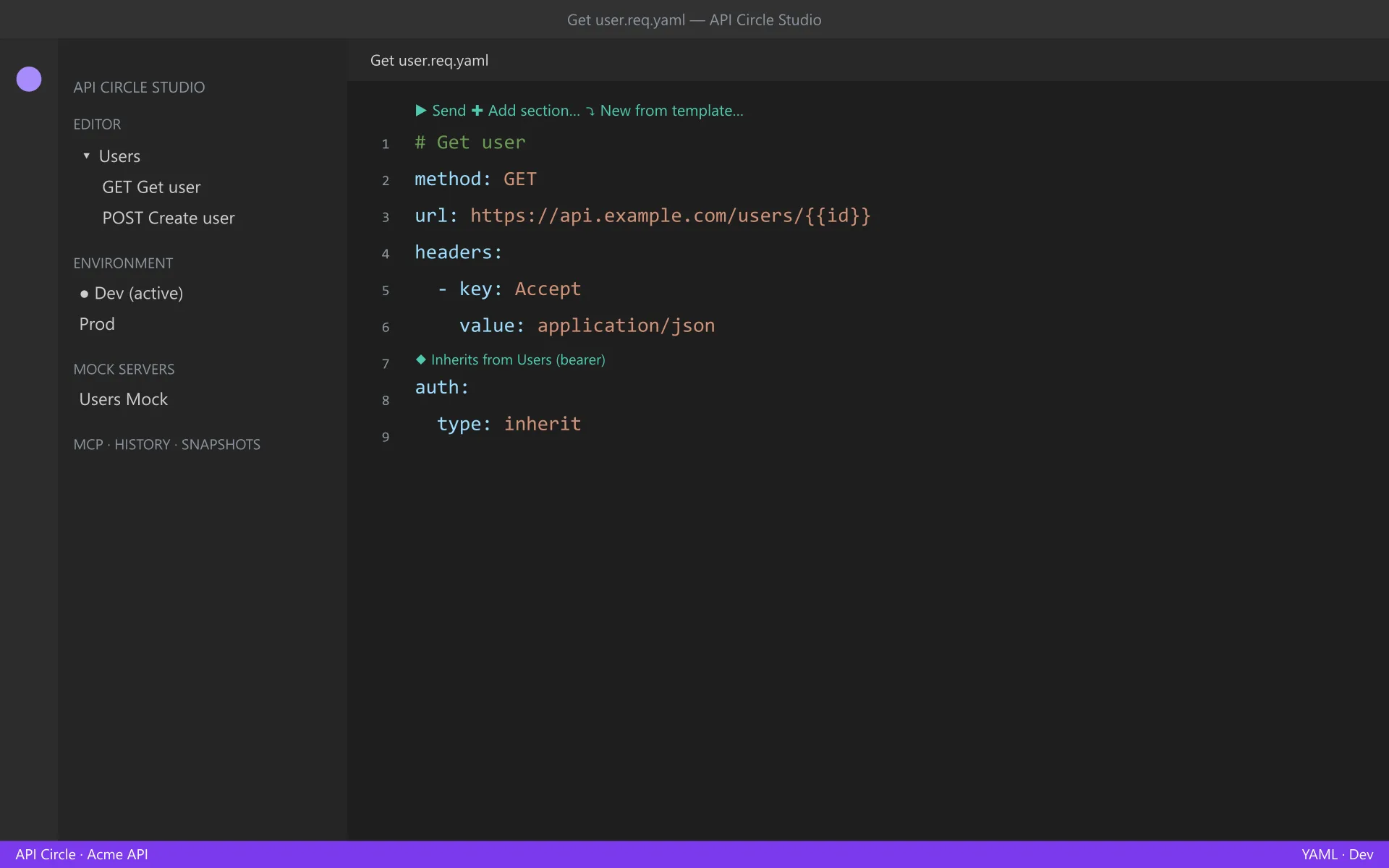
Native, not a webview
Requests open as .req.yaml documents with full editing, JSON-Schema validation, completion for all 17 auth types, and live pre-send diagnostics in the Problems panel.
Three-surface parity
The same applyMutation chokepoint means edits from VS Code, desktop, and web produce byte-for-byte identical commits. One repo, three surfaces.
Everything in the sidebar
Workspace, Editor, Environment, Execution, Mock, History, Snapshots, MCP, and Link Workspaces — plus auto-refresh when MCP or the CLI writes the file.
Get going in one command
Install from the Marketplace or Open VSX, then edit requests as YAML right in your editor.
$ code --install-extension apicircle.apicircle-vscodeBring your APIs under version control
Open the web app in your browser, or grab the desktop build. No account, no setup — your first workspace is created the moment you arrive.