Git-backed workspaces
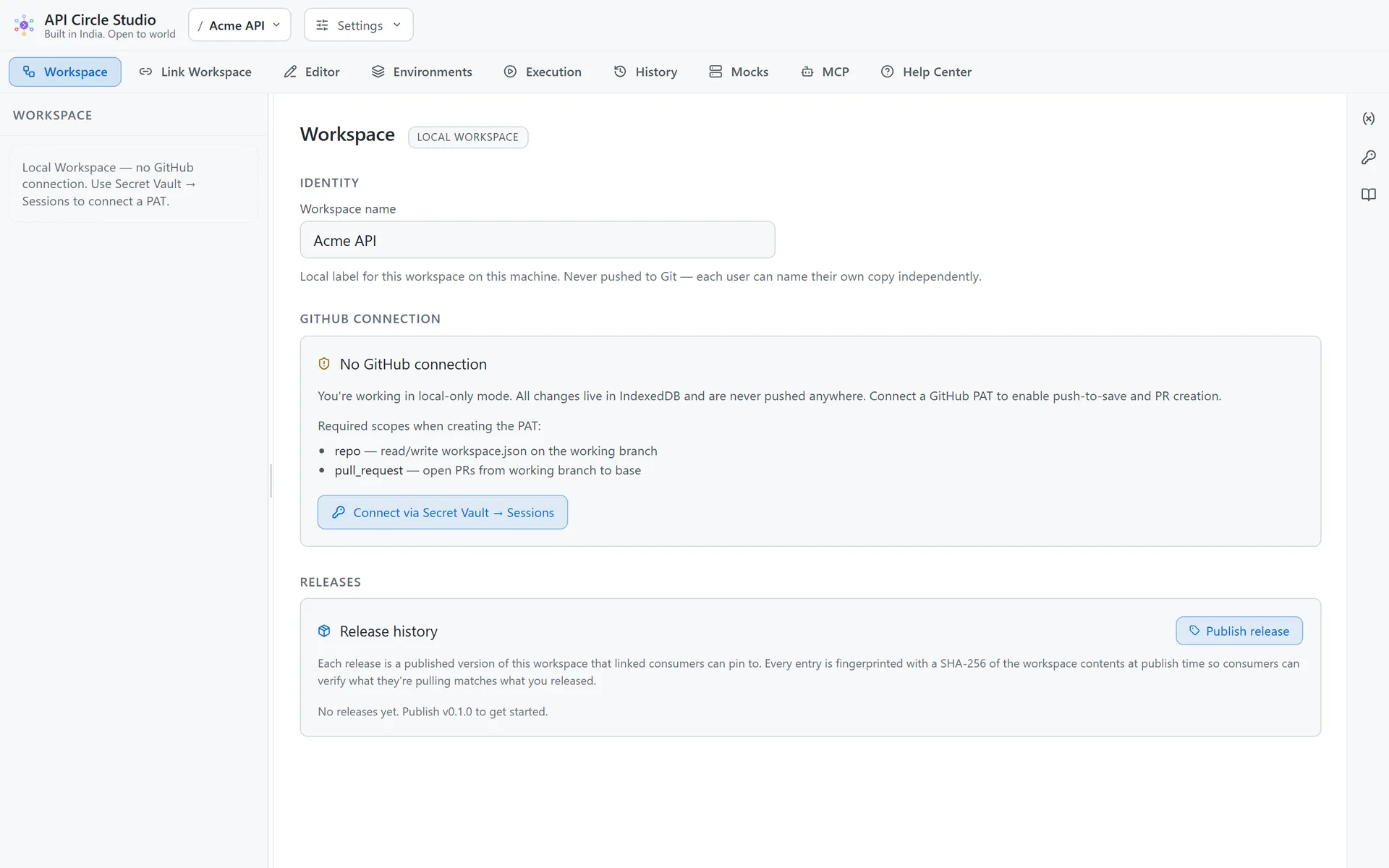
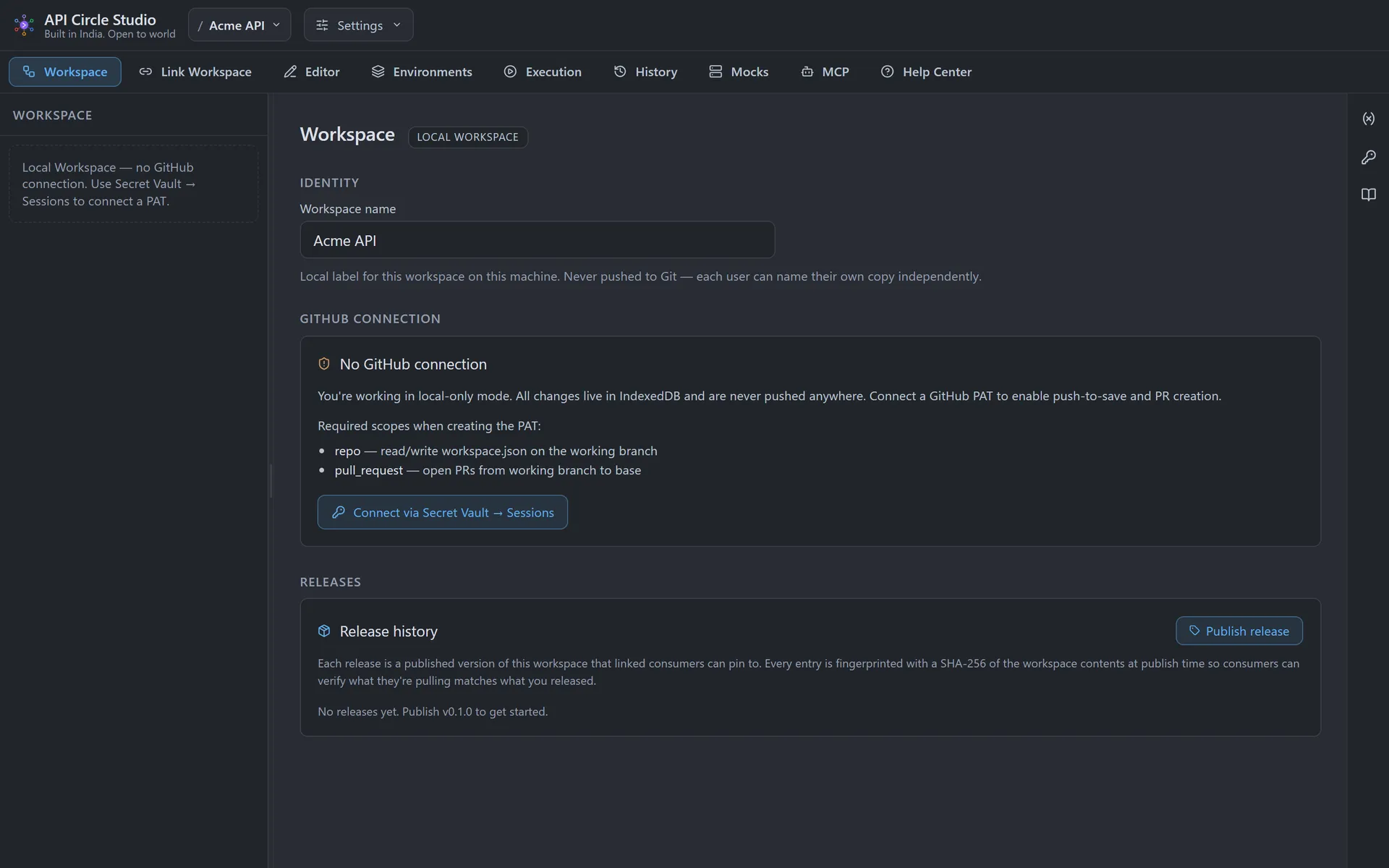
A workspace is two JSON documents: the shared collection tree, environments, and mock definitions that push to your GitHub repo, and the per-device history and sessions that never leave your machine. Teams collaborate on APIs exactly the way they collaborate on code.
Own your data
The workspace is JSON you can read, diff, and back up. Nothing is uploaded to a third-party server — your repo is the source of truth.
Collaborate through pull requests
Auto-create a working branch from main, push to save, and open a PR without leaving the app. API collections get the same review workflow as the code that calls them.
Visual three-way merge
When remote and local diverge, a conflict resolver shows the folder tree, environment priority, and release ledger side by side so you keep exactly what you intend.
Releases & a marketplace
Publish fingerprinted versions of a workspace that linked consumers pin to, deprecate or withdraw them, and tag releases on GitHub — for private repos or a public marketplace.
Get going in one command
Clone a workspace repo and the directory is the workspace — drive it from the CLI or any AI client.
$ git clone https://github.com/you/your-workspace-repo$ apicircle run "Smoke Tests" --workspace-path ./your-workspace-repo --reporter junitBring your APIs under version control
Open the web app in your browser, or grab the desktop build. No account, no setup — your first workspace is created the moment you arrive.